
Download it,
start your first lesson today.
A short placement test measures your reading speed and puts you in the right chapter. From there, a few minutes of lessons a day make you faster step by step.
- Free to download
- No account needed
- No ads
- English and Turkish
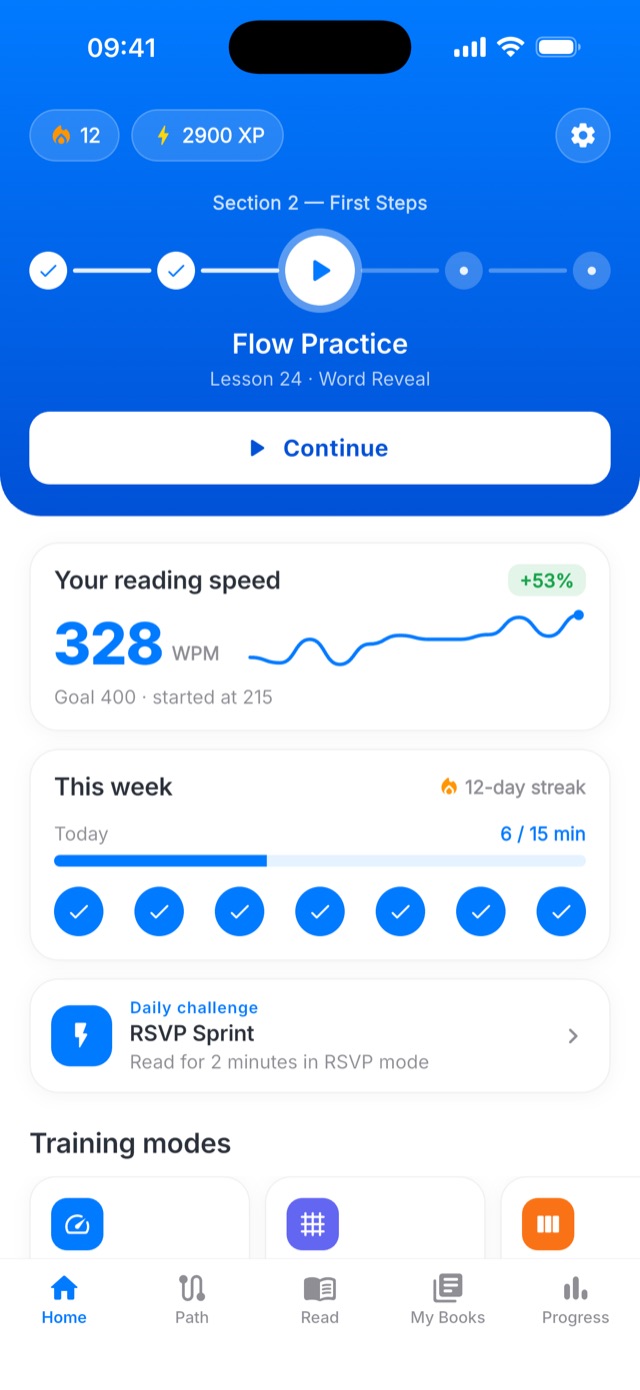
From opening the app to your first lesson.
No setup, no forms, no long tour. The app works out where you should start.
Download and open
No account needed; you start right away. Create one later if you want your progress on all your devices.
1 minutePlacement test
Read a short text and answer a few comprehension questions. Your speed is measured and the right chapter opens.
A few minutesYour first lesson
Finish your first lesson with RSVP, chunking or paragraph training. Every lesson ends with your speed and comprehension.
5 minutesShort every day, measurable every week.
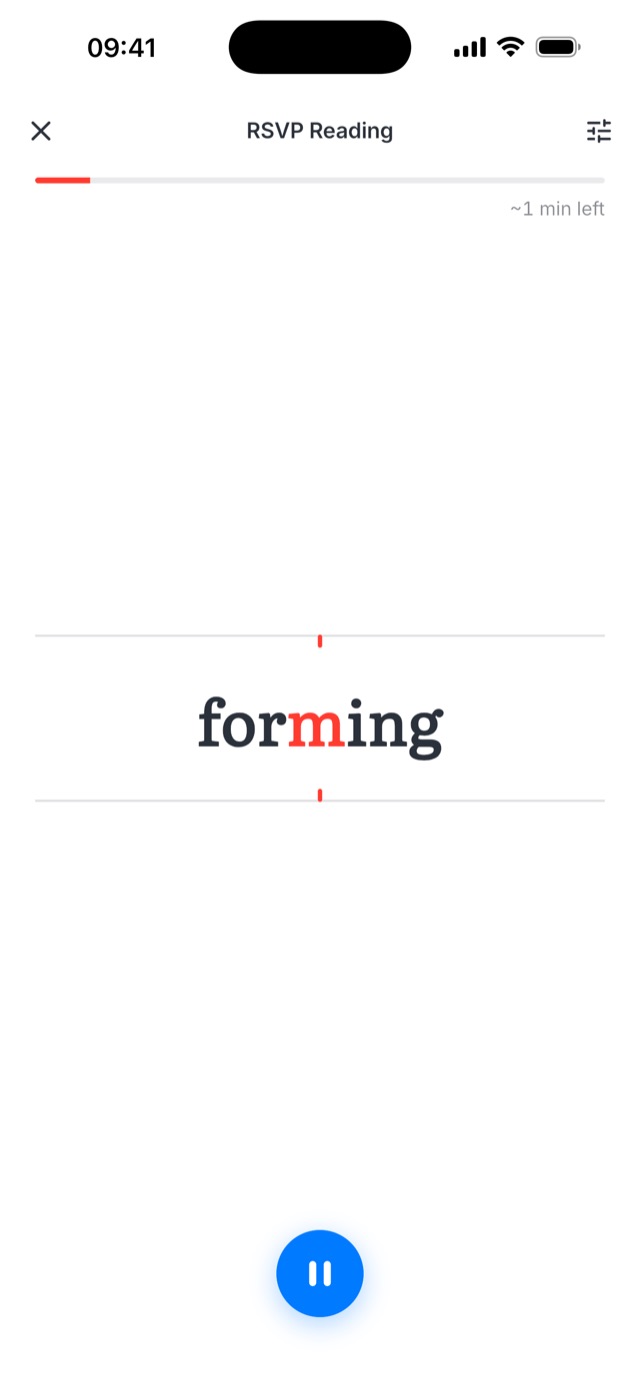
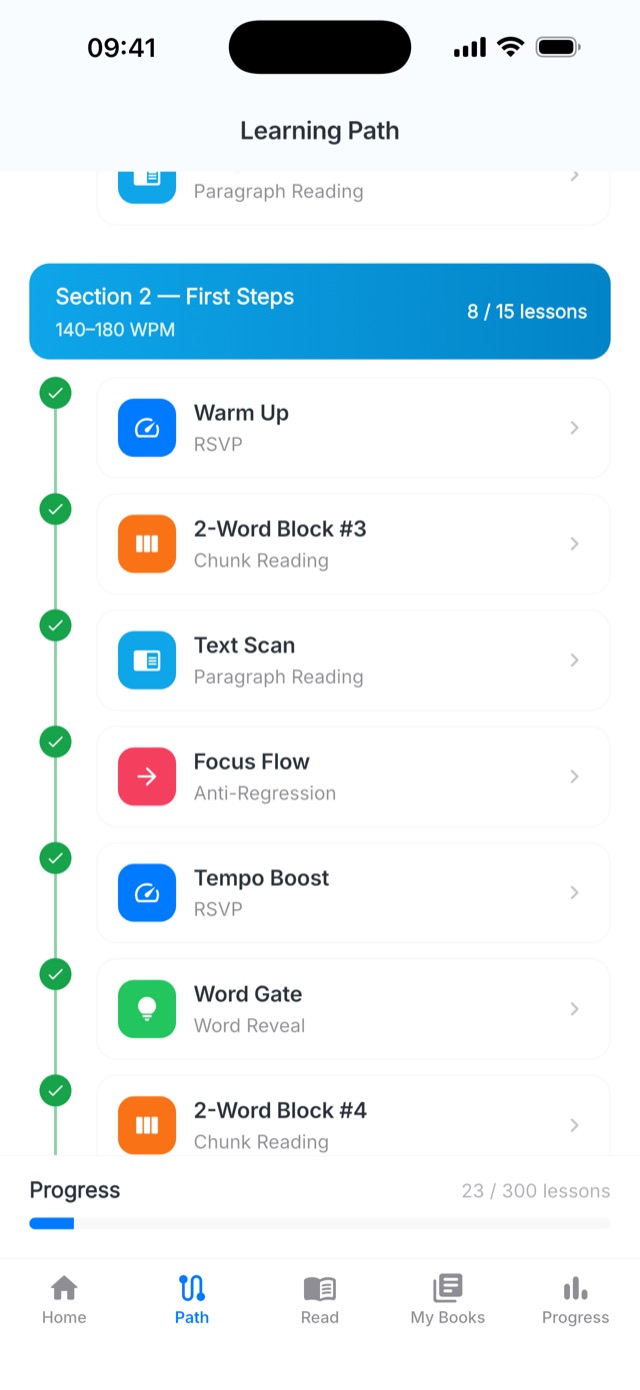
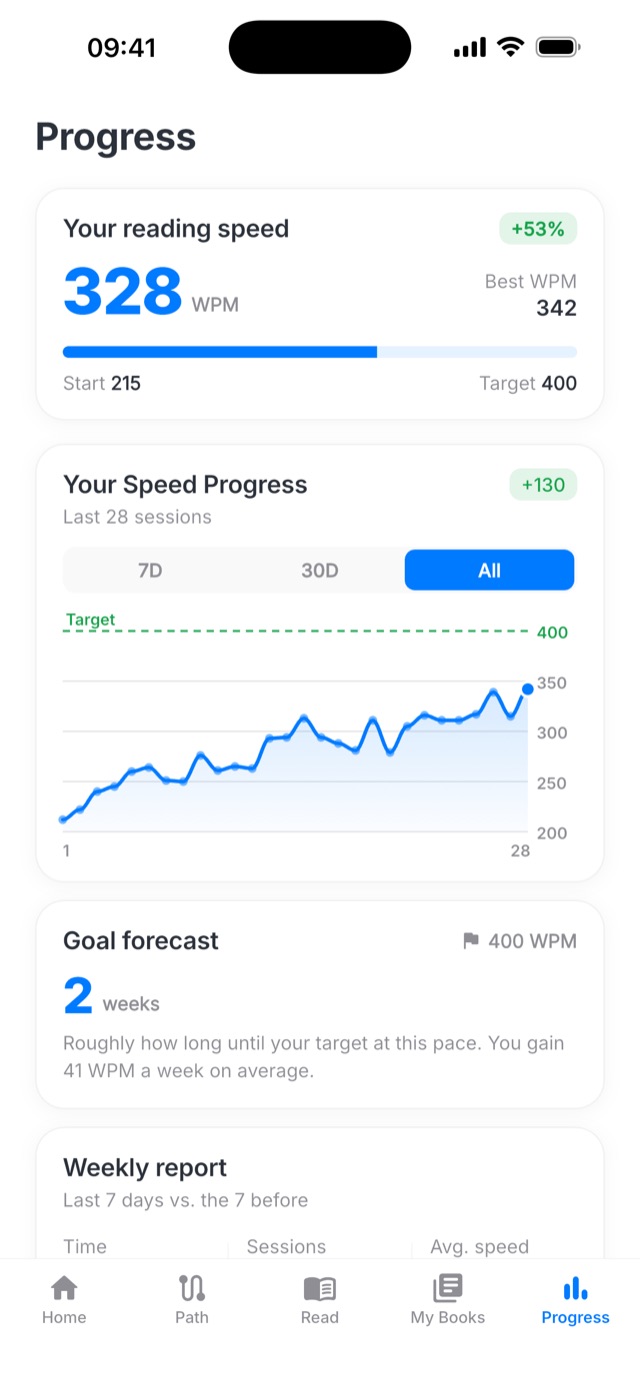
Start free, keep going when you're ready.
Downloading and getting started are free. When you want the whole path, try Premium free for seven days.
Starter
To get to know the methods and build the habit.
- Placement test and a starting chapter that fits you
- The 15 lessons of your starting chapter
- Paste in your own text and read it
- One book in My Books
The whole path
Everything to take your speed up to 1,000 WPM.
- 300-lesson learning path20 chapters, up to 1,000 WPM
- 9 training modesRSVP, Schulte, chunking and more
- Unlimited booksTrain with your own PDFs and texts
- Personal progress insightsGoal forecast, weekly report, all-time chart
Common questions
Do I need an account?
No. You can use the app the moment you open it. With an account your stats, lessons and badges sync, so you don't lose progress when you switch phones.
Which devices does it run on?
iPhones on iOS 15 or later, and Android 7.0 or later phones and tablets. Android tablets get a layout made for the larger screen; an iPad-specific layout comes in the next version.
What do I get for free?
The placement test, the 15 lessons of the chapter you start in, reading your own text, and one book in My Books. No ads, no time limit.
How do I cancel my subscription?
Subscriptions belong to your store account. On iPhone: Settings → your name → Subscriptions. On Android: Play Store → profile → Payments & subscriptions → Subscriptions. Cancel before the trial ends and you aren't charged.
Which languages is it in?
English and Turkish. Lessons, texts and comprehension questions are ready in both, and you can switch the language in Settings at any time.
Got five minutes today?
That's all your first lesson needs. Download the app, take the placement test, see where you start.
Try the reading modes on the website, with no install and no signup.
Try in browser →